
Up Down Volume [AlgoPrime]
Up/Down Volume · Delta · Intrabar
Built by AlgoPrime
![Up Down Volume [AlgoPrime]](https://auth.algoprime.co/storage/v1/object/public/product-images/1792189507044.jpg)
What it does
Up Down Volume separates lower-timeframe volume into up and down components and presents them alongside a net delta line. The histogram makes changes in the balance of classified volume easier to spot from bar to bar. By comparing those changes with price direction, you can examine how volume behaves during an advance, decline, or pause without relying on total volume alone.
How to Trade with Up Down Volume?
Histogram components: compare the relative expansion of up and down volume within each chart bar.
Delta line: use the net difference to see which classified component dominates, then compare that reading with the candle direction.
Source interval: choose an appropriate lower timeframe and check data availability before comparing results across charts or instruments.
Up Down Volume Settings
Inteval: 1, 5, 15, 30, 60, 240 minutes, or D; default 1 minute.
Frequently Asked Questions
How is it different from CVD?
Up Down Volume emphasizes the components and net difference within each bar. CVD emphasizes accumulation across a defined period.
Does it show the trades of specific investor groups?
No. It classifies lower-timeframe volume; it is not a report of individual participants or their positions.
How do I access Up Down Volume?
Request access from AlgoPrime and provide your TradingView username. Once permission is granted, open the corresponding script and add it to your chart.
Request TradingView Access
How you get it
- Claim it in the Tools Kit
Sign in (or create an account) and add it to your Tools Kit in one tap.
- Add your TradingView username
Access is granted to your username and the indicator shows up in TradingView under Invite-only scripts.
More like this
All tools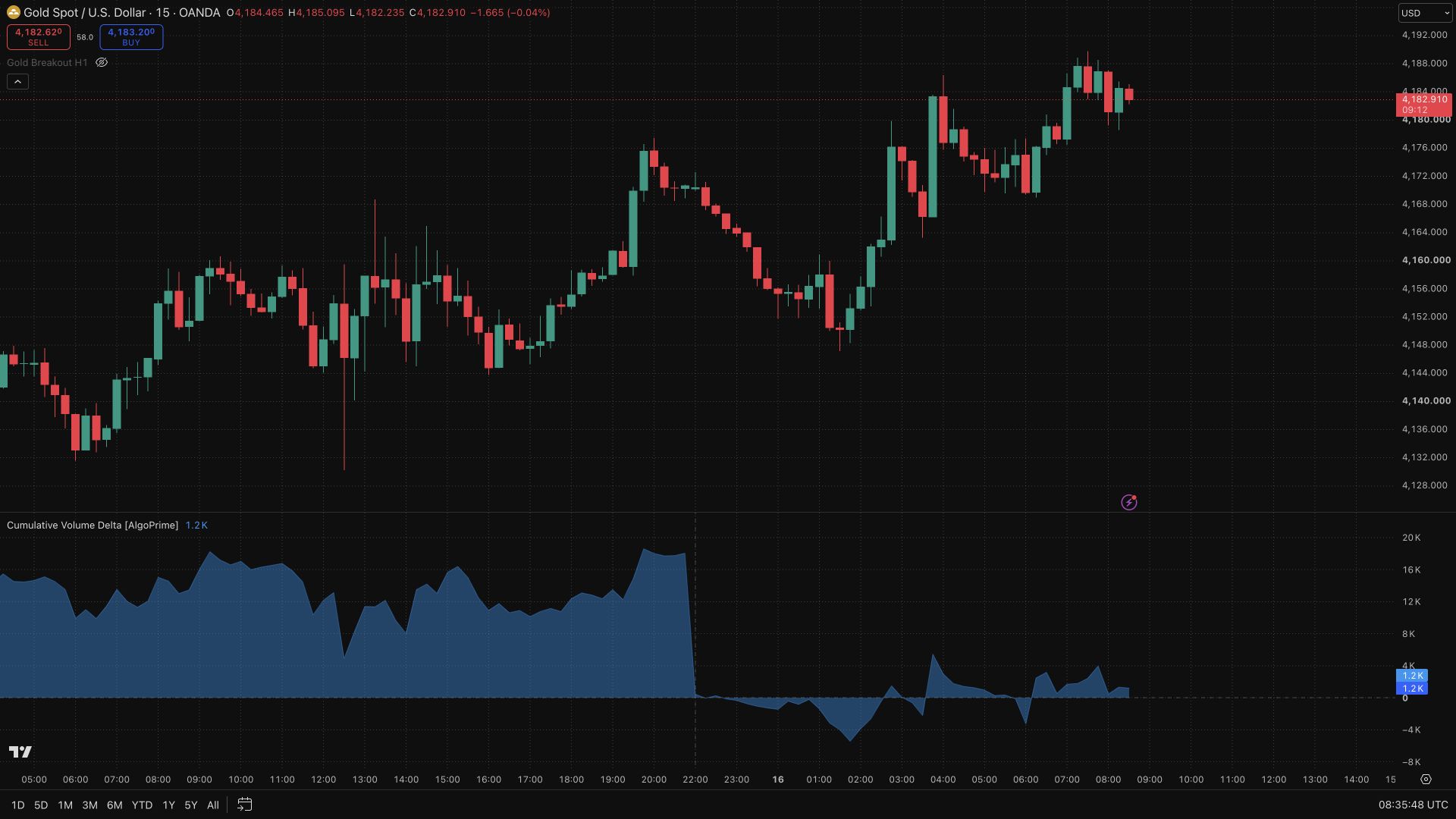
Questions about Up Down Volume [AlgoPrime]?
The desk answers in chat — setup, access, or which plan fits.