
Crypto Risk Calculator [AlgoPrime]
Risk Calculator · Crypto Futures · Position Size
Built by AlgoPrime
![Crypto Risk Calculator [AlgoPrime]](https://auth.algoprime.co/storage/v1/object/public/product-images/1792188914711.jpg)
What it does
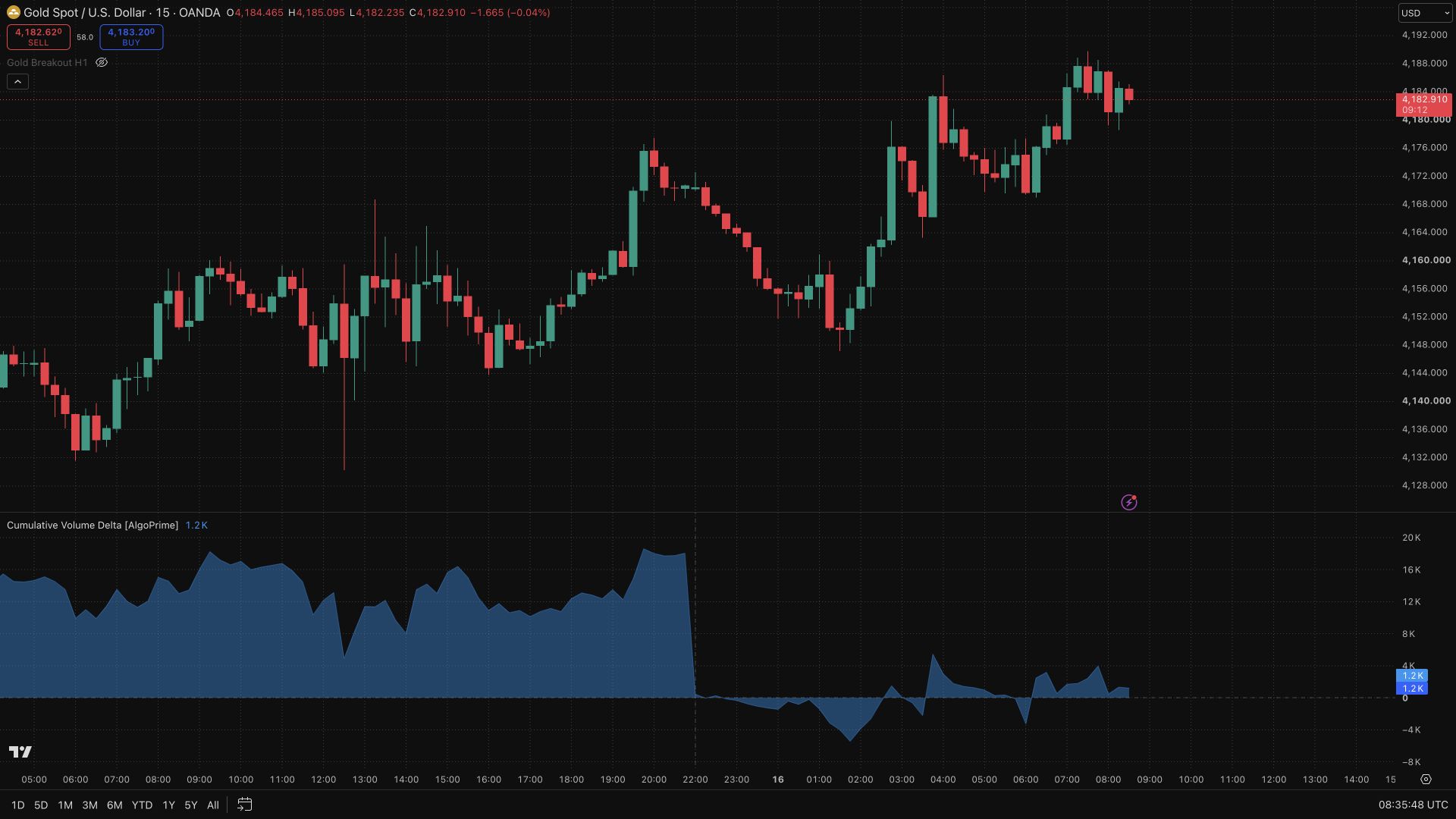
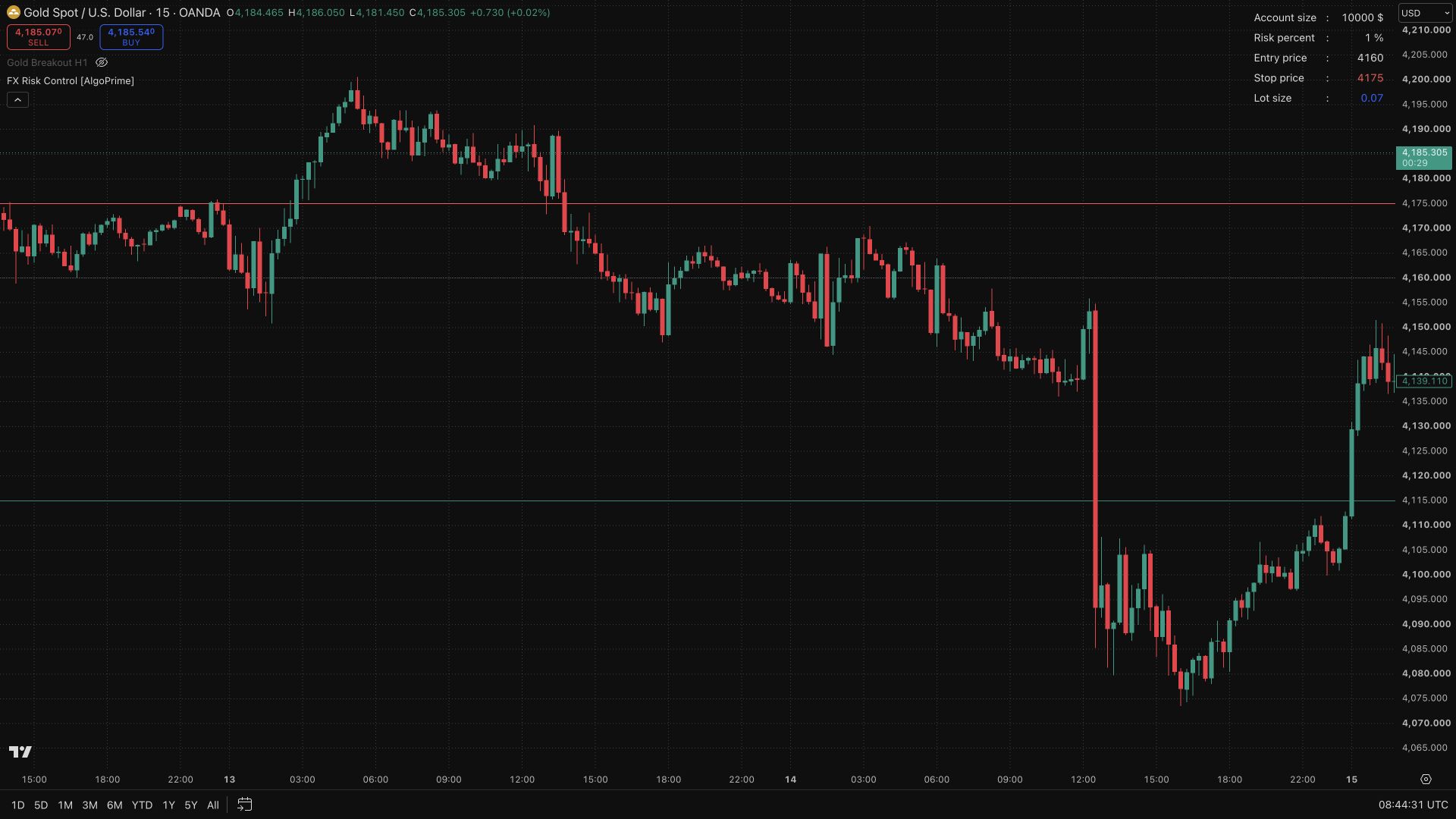
Crypto Risk Calculator translates a crypto futures plan into estimated coin quantity, margin, and reward/risk. Enter your account size, risk budget, entry, stop, and target to see the relationship between price distance and position size. On-chart levels and a customizable dashboard keep the key figures together, with an optional fixed-RR target for comparing a defined risk with its corresponding reward.
How to Use Crypto Risk Calculator?
Risk budget: enter account size and Risk % before sizing a position so the calculation reflects the amount you intend to risk.
Entry and stop: set distinct prices and review the resulting coin quantity. A change in stop distance changes the quantity associated with the same risk budget.
Leverage and margin: compare the margin estimate with available funds; leverage changes margin requirements rather than removing stop-distance risk.
Target and execution: compare the target or fixed-RR reference with your plan, then check exchange contract rules, rounding, and costs before placing an order.
Crypto Risk Calculator Settings
Initial account size ($), Risk percent (%), and Leverages.
Entry price, Stop price, and Target price.
Show static target prices and the 1:R ratio.
Table position, Text size, and table colors.
Frequently Asked Questions
Does higher leverage remove the risk associated with the stop distance?
No. Leverage affects margin requirements; position size and price distance remain central to the planned risk.
Will the figures exactly match a live trade?
They are estimates from your inputs. Check contract type, quantity rounding, fees, and actual execution conditions.
How do I access Crypto Risk Calculator?
Request access from AlgoPrime and provide your TradingView username. Once permission is granted, open the corresponding script and add it to your chart.
Request TradingView Access
How you get it
- Claim it in the Tools Kit
Sign in (or create an account) and add it to your Tools Kit in one tap.
- Add your TradingView username
Access is granted to your username and the indicator shows up in TradingView under Invite-only scripts.
More like this
All tools
Questions about Crypto Risk Calculator [AlgoPrime]?
The desk answers in chat — setup, access, or which plan fits.