
FX Risk Control [AlgoPrime]
Risk Control · Forex · Lot Size
Built by AlgoPrime
![FX Risk Control [AlgoPrime]](https://auth.algoprime.co/storage/v1/object/public/product-images/1792189165403.jpg)
What it does
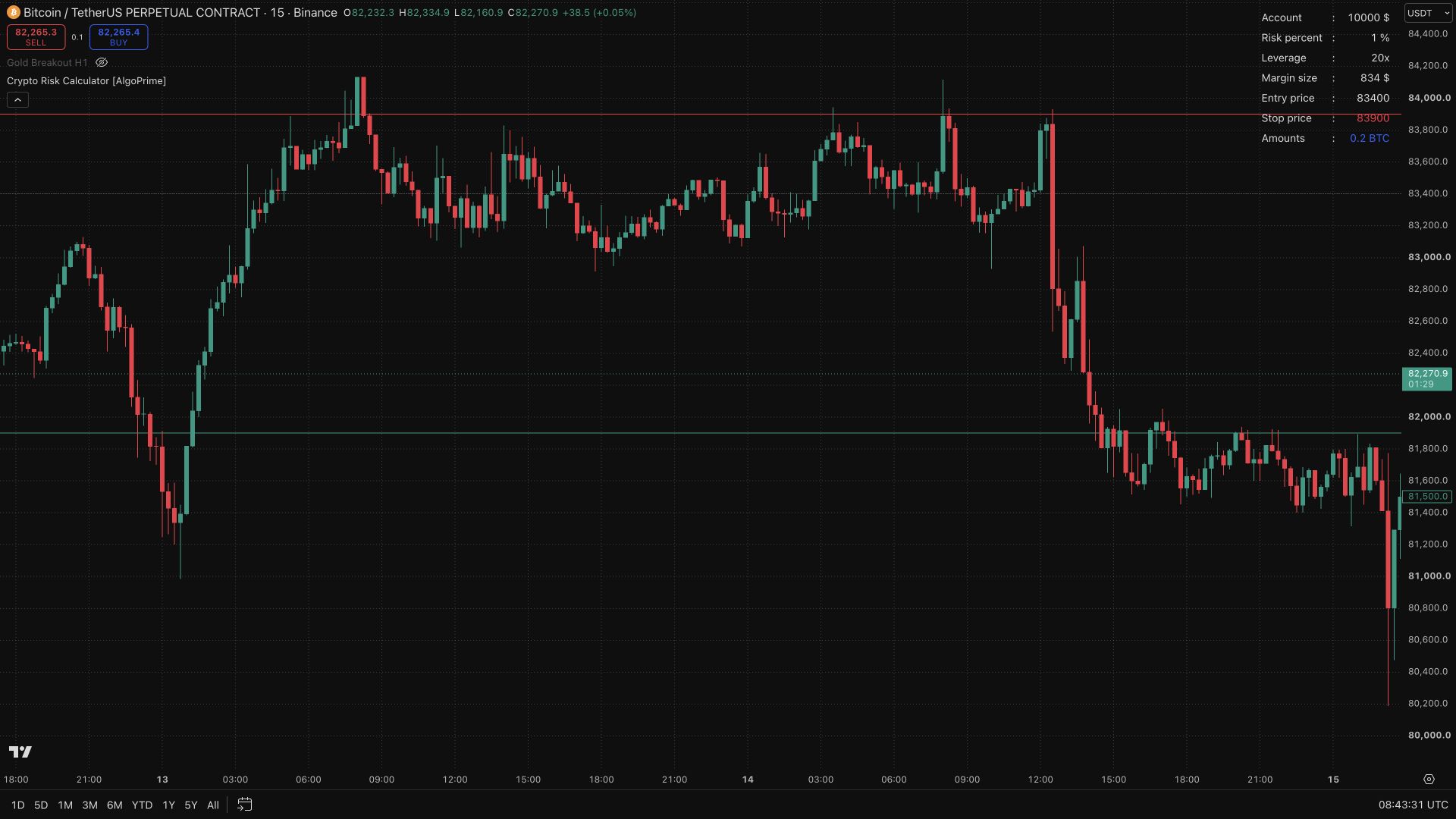
FX Risk Control brings position sizing and price-level planning onto the same chart. Account size, risk percentage, commission, entry, stop, and target feed a dashboard that helps you review planned exposure before execution. An optional fixed-RR target and adjustable display let you compare the proposed trade’s risk and reward while keeping the price levels visible.
How to Use FX Risk Control?
Account and costs: enter account size, Risk %, and the relevant commission assumption before reviewing the result.
Price levels: define the entry, stop, and target from your own setup, then compare the calculated position size with the planned loss distance.
Broker specifications: verify lot units, contract size, and point value against your broker before using the figures to place a trade.
FX Risk Control Settings
Initial account size ($), Risk percent (%), and Commission in your broker ($).
Entry price, Stop price, and Target price.
Show static target prices and the 1:R ratio.
Table position, Text size, and colors.
Frequently Asked Questions
Does the tool select an entry for me?
No. You define the price levels; the tool calculates and displays the plan.
Can the same figures be used with every broker?
Check each broker’s contract size, point value, lot units, and commission structure.
How do I access FX Risk Control?
Request access from AlgoPrime and provide your TradingView username. Once permission is granted, open the corresponding script and add it to your chart.
Request TradingView Access
How you get it
- Claim it in the Tools Kit
Sign in (or create an account) and add it to your Tools Kit in one tap.
- Add your TradingView username
Access is granted to your username and the indicator shows up in TradingView under Invite-only scripts.
More like this
All tools
Questions about FX Risk Control [AlgoPrime]?
The desk answers in chat — setup, access, or which plan fits.