
Supply Demand Zone [AlgoPrime]
Supply/Demand · Zones · Multi-Timeframe
Built by AlgoPrime
![Supply Demand Zone [AlgoPrime]](https://auth.algoprime.co/storage/v1/object/public/product-images/1792190063247.jpg)
What it does
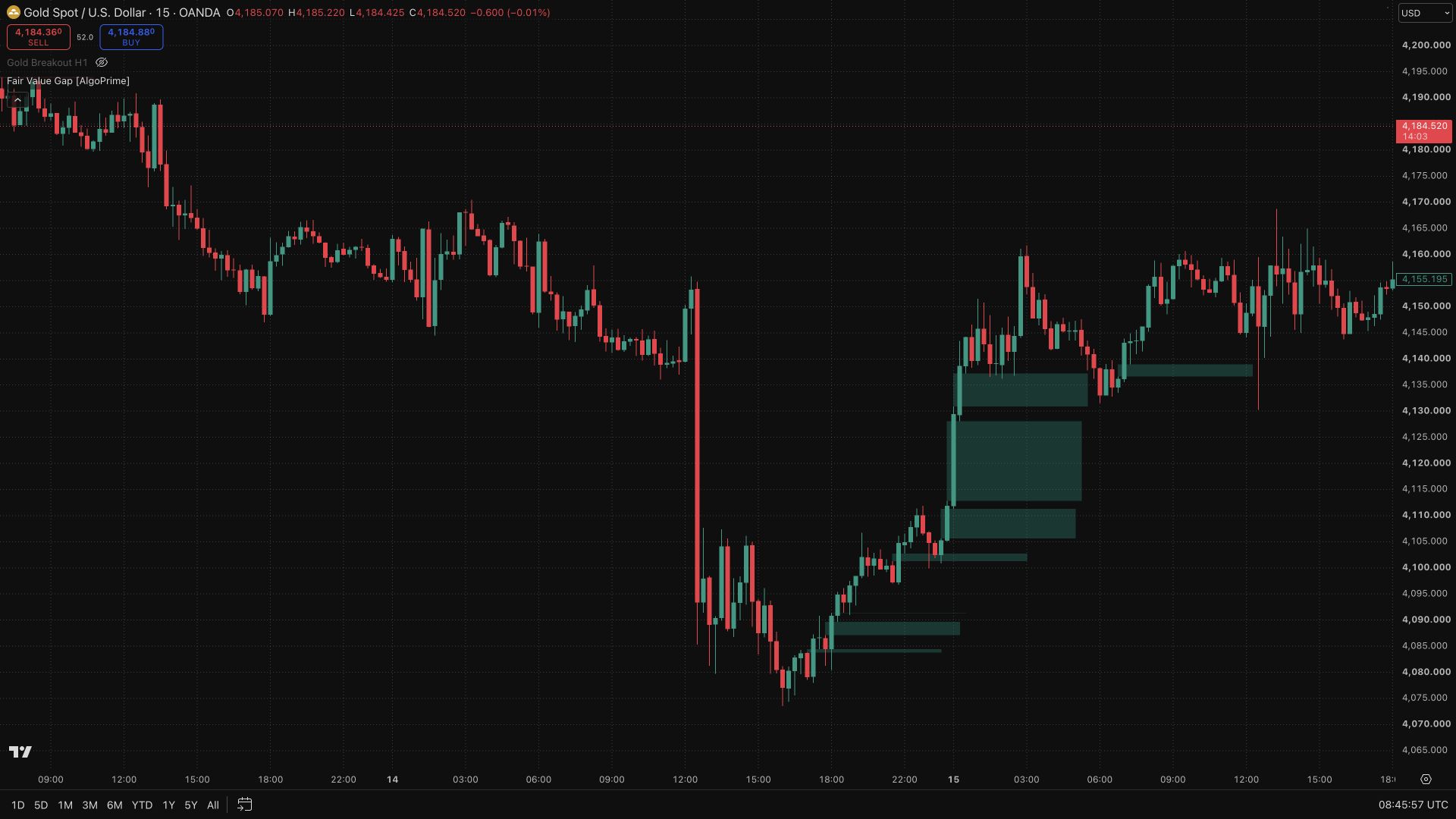
Supply Demand Zone maps potential price-reaction areas as zones rather than single lines. Separate supply and demand colors make the two sides easy to distinguish, while timeframe labels show the source context of each area. Use the zones to organize where you watch for a test, rejection, or break and compare those interactions with the wider price structure.
How to Trade with Supply Demand Zone?
Timeframe label: check the zone’s source interval before comparing it with the chart’s shorter-term movements.
Zone interaction: watch whether price rejects the boundary, trades through the area, or breaks beyond it; the response adds information that a zone alone cannot provide.
Trade location: compare the zone with nearby structure and the distance to a reasonable invalidation level before considering an entry.
Supply Demand Zone Settings
Demand/Supply: choose colors for each side.
Timeframes: enable and select the source interval.
Text Color: adjust label color.
Frequently Asked Questions
Do the zones reveal actual resting orders?
No. These are chart-derived analytical zones, not an order book or a display of pending market orders.
Must price rise after touching demand?
No. Zones can fail, so context and price behavior remain important.
How do I access Supply Demand Zone?
Request access from AlgoPrime and provide your TradingView username. Once permission is granted, open the corresponding script and add it to your chart.
Request TradingView Access
How you get it
- Be on Pro
Choose a plan that includes this tool, or use access from a package you already own.
- Claim it on Pro
Any plan that includes Pro lets you claim it from the Tools Kit at no extra charge.
- Add your TradingView username
Access is granted to your username and the indicator shows up in TradingView under Invite-only scripts.
More like this
All tools
Questions about Supply Demand Zone [AlgoPrime]?
The desk answers in chat — setup, access, or which plan fits.